

CodeBanana just dropped the ultimate real-time coding collab tool—think Google Docs meets VS Code! Devs worldwide can now edit the same file live from anywhere, ditching merge conflicts forever. Launched on October 31, over 30,000 teams are already on board.
Sign up at codebanana.com/en—minutes to invite squad, share live URLs. Watch teammates’ cursors dance in sync, debug together like pros.
AI-Powered Real-Time Coding Collab Ends Remote Nightmares
“Real-time collaboration is the core… feels less like coding apart, more like coding as one brain,” raves promo thread by @Meer_AIIT.
Built-in AI agents grok your full repo: chat for fixes, recipes, reviews. Git seamless (branches, commits visible live); terminal runs code instantly. 7.3K+ views exploding on X—19 reposts, fans hail “pair programming without the distance!”
Google Docs for coding just dropped!
Your dev team can now code together on the same file ….… from different locations.
Real-time collab, built-in AI that understands your entire repo, and shareable cloud workspaces with live URLs.
Here’s how it works: pic.twitter.com/ntj8Wc1P1Q
— Meer | AI Tools & News (@Meer_AIIT) October 31, 2025
Live on Product Hunt—game-changer for remote devs! 50% faster workflows in betas. Join 30K teams—CodeBanana real-time coding awaits. Future of collaborative coding is here!
According to early testers, the platform supports multiple languages and integrates with cloud workspaces. “It’s like VS Code meets Google Docs,” one user commented. The feature also includes shareable URLs for instant access and version tracking.
Key Features
Live Coding: Multiple devs can code together in the same file, with cursor tracking and syntax highlighting.
AI Assistance: The built-in AI understands your repo structure, offers smart suggestions, and even helps non-coders contribute.
Cloud Workspaces: Each user gets an isolated virtual machine with instant sharing via live URLs.
Team Chat Modes: Switch between “Team Agent” for shared context or “My Agent” for personal debugging help
Related posts:
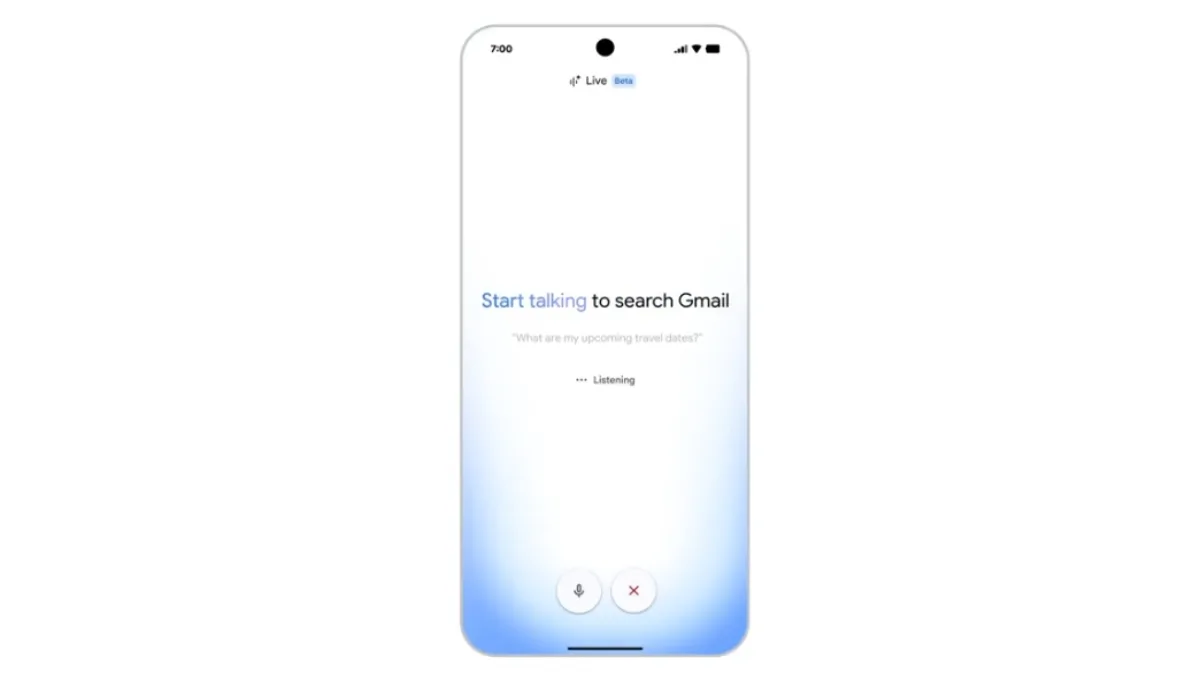 Google Drops Mind-Blowing Gmail Live Voice Search to Instantly Read Your Messy Inbox Aloud
 Google Unleashes Gemini 3.5 Flash and Shocking 24/7 AI Agents to Destroy OpenAI Dominance
 Google Labs Launches Stitch: New AI Platform Turns Text Into High-Fidelity App Designs
 Google Maps Rolls Out Its Biggest Update in Over a Decade
 Google Chrome Just Levelled Up: 7 Massive Gemini AI Updates That Will Change How You Browse Forever
 Google Gemini Guided Learning Feature: Step-by-Step AI Tutor Released in 2025
 OpenAI launches WhatsApp-like Group Chats feature for ChatGPT