
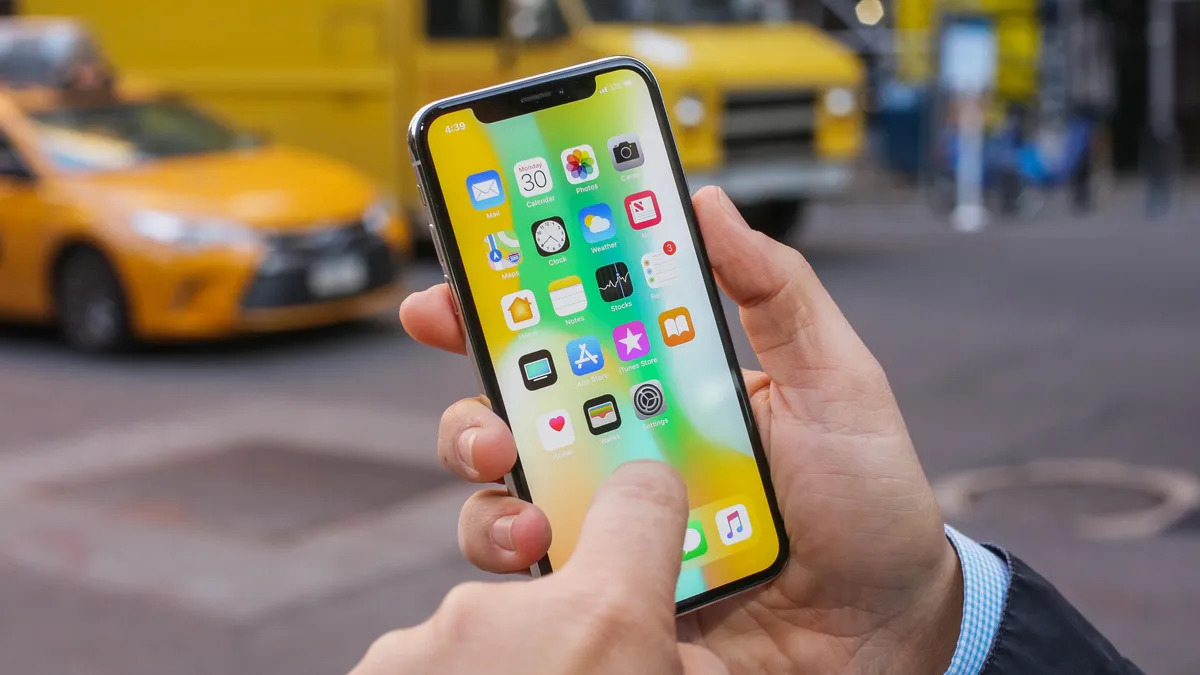
Typing four specific characters into an older iPhone search bar used to crash the screen in seconds, though Apple closed that loophole in later updates. We checked how the viral `””::` glitch behaved and whether unpatched devices still face trouble in November 2026.
Security researchers first flagged the bug in August 2024 after noticing that typing `””::` inside the App Library search bar forced the iPhone home screen to crash. A quick reboot. Users running older builds like iOS 17 saw the screen flash black before jumping back to the lock screen.

How the Four-Character iPhone Bug Worked
Testing showed that typing `””:` followed by almost any fourth character triggered a soft reset of Apple’s Springboard interface. Here is where the glitch struck unpatched devices:
- App Library Search: Swiping past the last home screen page and entering `””::` caused an instant interface crash.
- Spotlight Search: Pulling down on the home screen and typing the string froze search results or restarted the menu.
- Settings Search Bar: Entering the same symbols inside the Settings app search box also triggered a brief screen reload.
iOS security researcher Ryan Stortz confirmed at the time that the glitch was a local display bug rather than a remote hack. Nobody could send those four characters over a text message to crash someone else’s phone.
Famous iPhone Text Crash Bugs Over the Years
Apple fixed the `””::` search crash in later iOS updates, so phones running current software like iOS 26 or iOS 27 handle those symbols without any trouble. Pure chaos. Earlier text glitches were far worse because strangers could freeze your phone from afar:
- The 2020 Sindhi Character Bug: Receiving a specific string of Sindhi script characters on Telegram or Messages crashed iPhones and iPads on arrival.
- The 2020 Social Media Crash: Viewing a single post containing broken character code forced the app to shut down instantly.
- The 2015 Effective Power Bug: Receiving a specific string of symbols and Arabic text crashed the Messages app and forced a full reboot.
According to TechCrunch and 9to5Mac reports, keeping automatic iOS updates turned on is still the easiest way to stop text bugs early.
Related posts:
 Apple opens pre-orders for $1,999 iPhone Duo foldable
 iPhone Duo pre-orders open October 16, price starts at ₹2,99,900
 iPhone 18 Pro Max on AT&T Needs a New Phone Once SOS Hits
 Modi Urges Remote Work as Fuel Prices Skyrocket: Hyderabad IT Companies are Rushing to Deploy VDI Solutions
 Galaxy S26 Ultra Privacy Display: The Feature iPhone Users Are Envying
 Apple Criticizes EU Rules as First Adult App Launches on iPhone
 iPhone 17e (2026): Price, Release Date, and 5 Things You Must Know
 S26 Ultra vs iPhone 17 Pro Max: 7 Major Differences You Need to Know

Leave a Reply